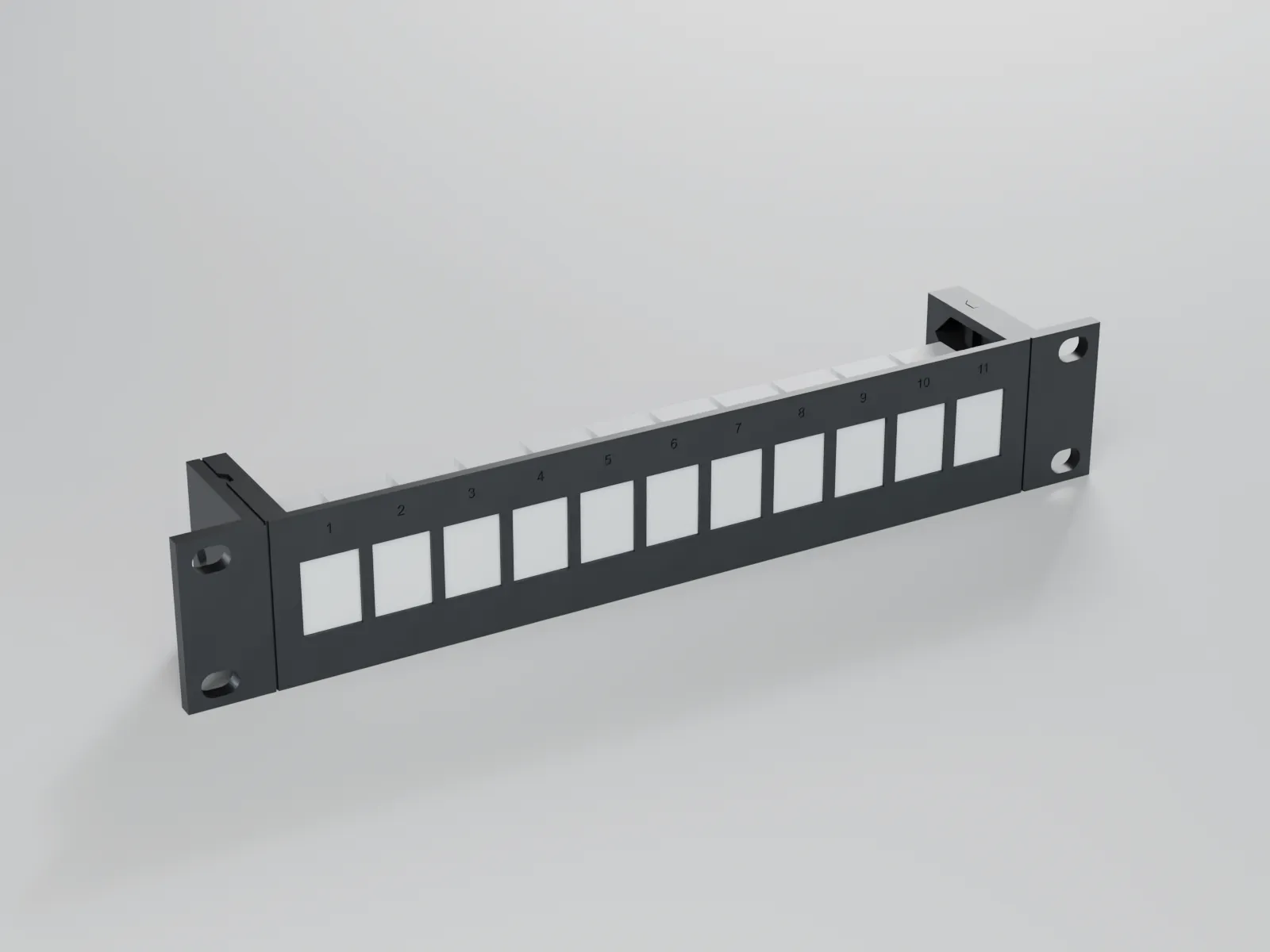

Rack mounts for mini PCs: 3D-print files for 10-inch and 19-inch racks
3D print files for rack mounts that hold mini PCs such as the Mac mini and small network devices in 10-inch and 19-inch racks. One device carrier fits both formats, and a free fit test part shows up front whether your rack and your printer are a match.
How do I mount mini PCs in a 10-inch rack?
Mini PCs are mounted in a 10-inch rack on a rack mount: two rack ears with slotted holes are screwed to the front rails, and a device carrier between them holds the computer. The front width is 10 inches, i.e. 254 mm, and about 222 mm remain between the rails. A device should therefore be no wider than 210 mm.
Height is counted in rack units; 1 U is 44.45 mm. Mini PCs that are 34 to 37 mm tall, such as the ThinkCentre Tiny or EliteDesk Mini class, fit in 1 U. A Mac mini M4 is about 50 mm tall and needs 2 U.
The hole spacing is the tricky part. It is standardised only for 19-inch racks (EIA-310). There is no standard for 10 inches, and among the racks we checked no manufacturer publishes the hole spacing. Documented values range from 235 to 238 mm centre to centre, nominally 236.5 mm. Our 10-inch ears therefore have slotted holes for 234.0 to 239.5 mm. Fasten them with your rack's screws (#10-32, M5 or M6) and a washer.
Check beforehand: the usable depth of the rack (180 to 260 mm in the 10-inch racks we compared) and the weight of the device. We design the mounts for 2 kg at most and recommend rear support from 1 kg.

Rack ears plus device carrier: one carrier for 10 and 19 inches
Every rack mount consists of three parts: a device carrier and two rack ears. The reason is the print volume: a 10-inch front is 254 mm wide and does not fit on a 220 mm bed in one piece, so we design all parts for 220 × 220 × 220 mm. The carrier is no wider than 210 mm and each ear prints on its own. The parts are joined with two M3 screws per side and nuts in pockets; tongue and groove keep the fronts flush.
The device carrier is the same for 10 and 19 inches; only the ears change. The 19-inch ears are about 136 mm wide each (482.6 mm minus 210 mm, divided by two), so they also fit within 220 mm. One device thus gives you two rack formats. The height follows EIA-310 (n × 44.45 mm minus 0.79 mm), the ears are at least 4 mm thick, and the carrier has ventilation slots.
Print the free fit test first
Because there is no standard for 10-inch racks, the fit test part is free. It reproduces the joint of our rack mounts in small format: a 1 U ear with a slotted hole, a piece of device carrier with the M3 joint and a tolerance comb.
On the ear you check whether your rack screw (#10-32, M5 or M6) goes through the slot and whether the plate sits in exactly one rack unit without touching the neighbouring unit. On the carrier piece you see whether the nuts go into their pockets and the fronts sit flush. The comb has three steps of +0.3, +0.5 and +0.7 mm; it shows whether your printer can hold our standard clearance of 0.5 mm.
One test part covers 10 and 19 inches because height and hole pattern per rack unit are the same (EIA-310). It does not check the hole spacing across the full width; the slotted holes absorb that. Best print it in the material of the final mount (PETG or ASA).

Which devices are covered – and what is planned
Planned for the start: Mac mini M1, M2 and M2 Pro in 1 U (197 × 197 × 35.8 mm) and Mac mini M4 and M4 Pro in 2 U (127 × 127 × 50 mm). Next on the list are mini PCs of the Lenovo ThinkCentre Tiny, HP EliteDesk/ProDesk Mini and Dell OptiPlex Micro classes (1 U each), followed by the Raspberry Pi 5 (up to four boards in 1 U) as well as small switches, network devices and patch panels with keystone cut-outs.
Not everything fits into 10 inches: the FRITZ!Box 7590 AX and 5590 Fiber are 254 mm wide, more than the clear width of about 222 mm, and would only work in 19 inches. Dimensions come from datasheets and manufacturer data; where we only have dealer data we allow extra adjustment margin. The parts have not been tested on the devices yet. We name devices only to describe the fit; the mounts are not accessories by the manufacturers and have no affiliation with them.
Files: Homelab & Rack
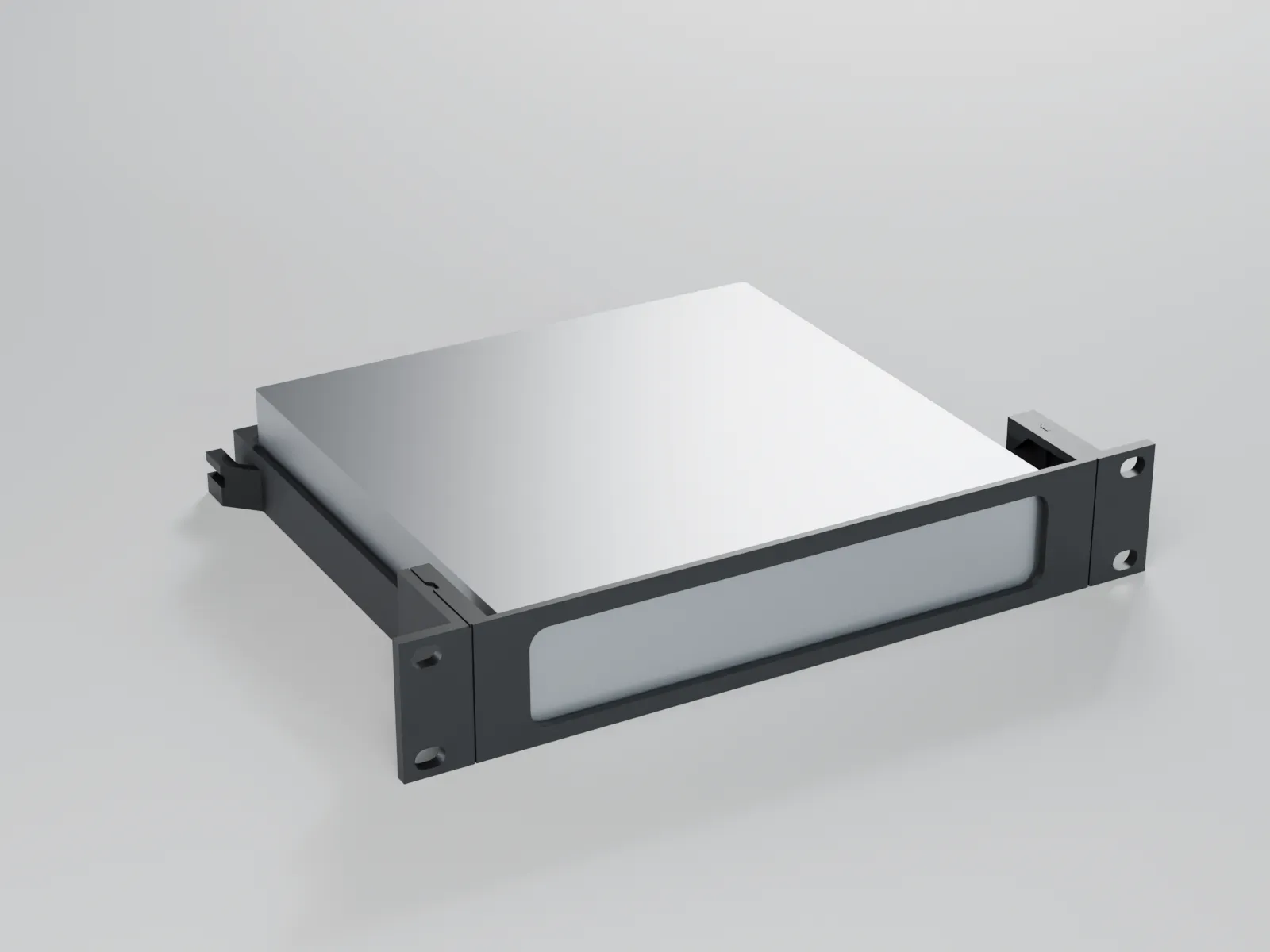
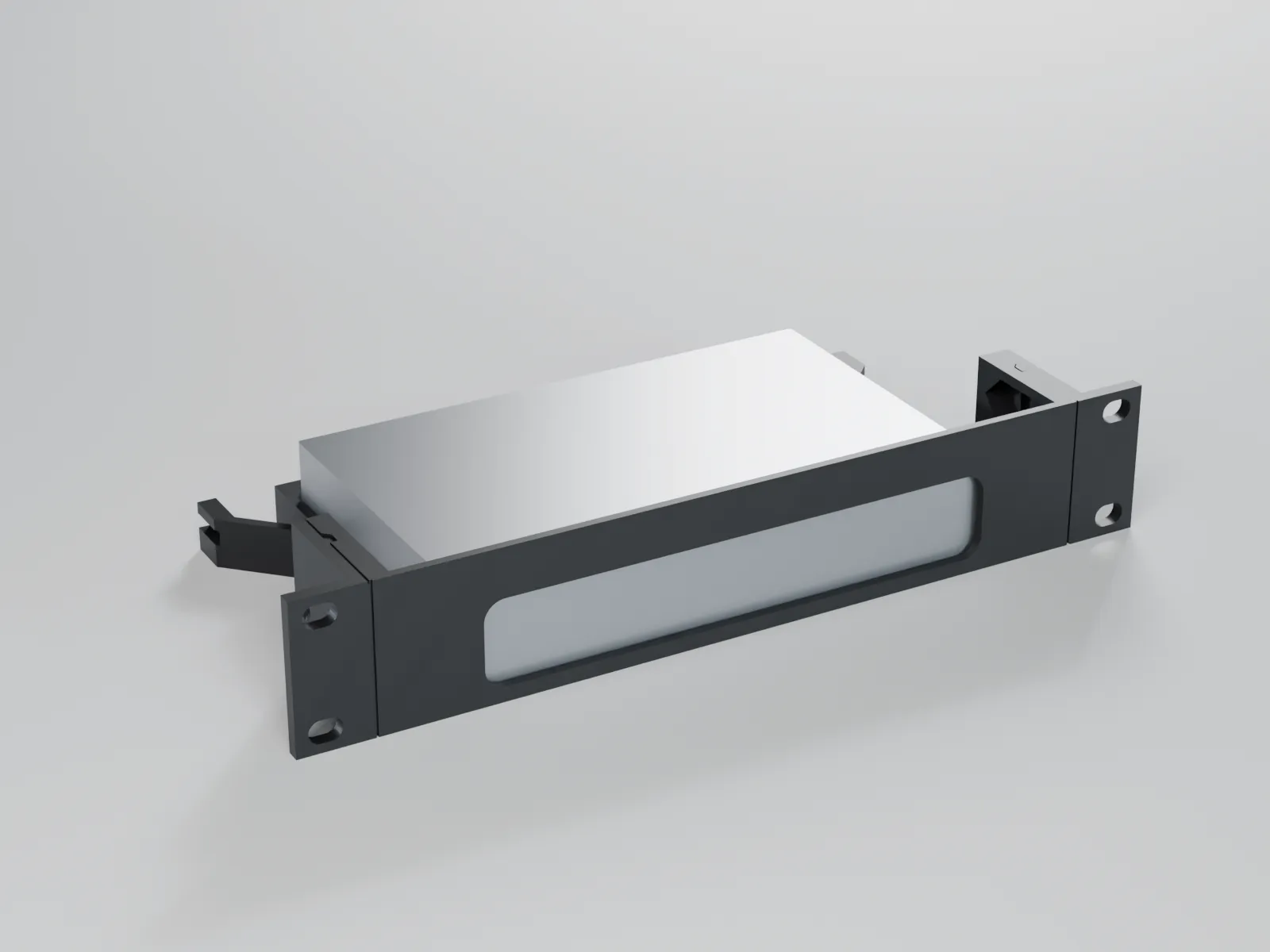
1U rack mount for 5- or 8-port desktop switches (TP-Link TL-SG105/TL-SG108, Netgear GS305/GS308) – 10″ and 19″
Universal – fits any car
from€3.90
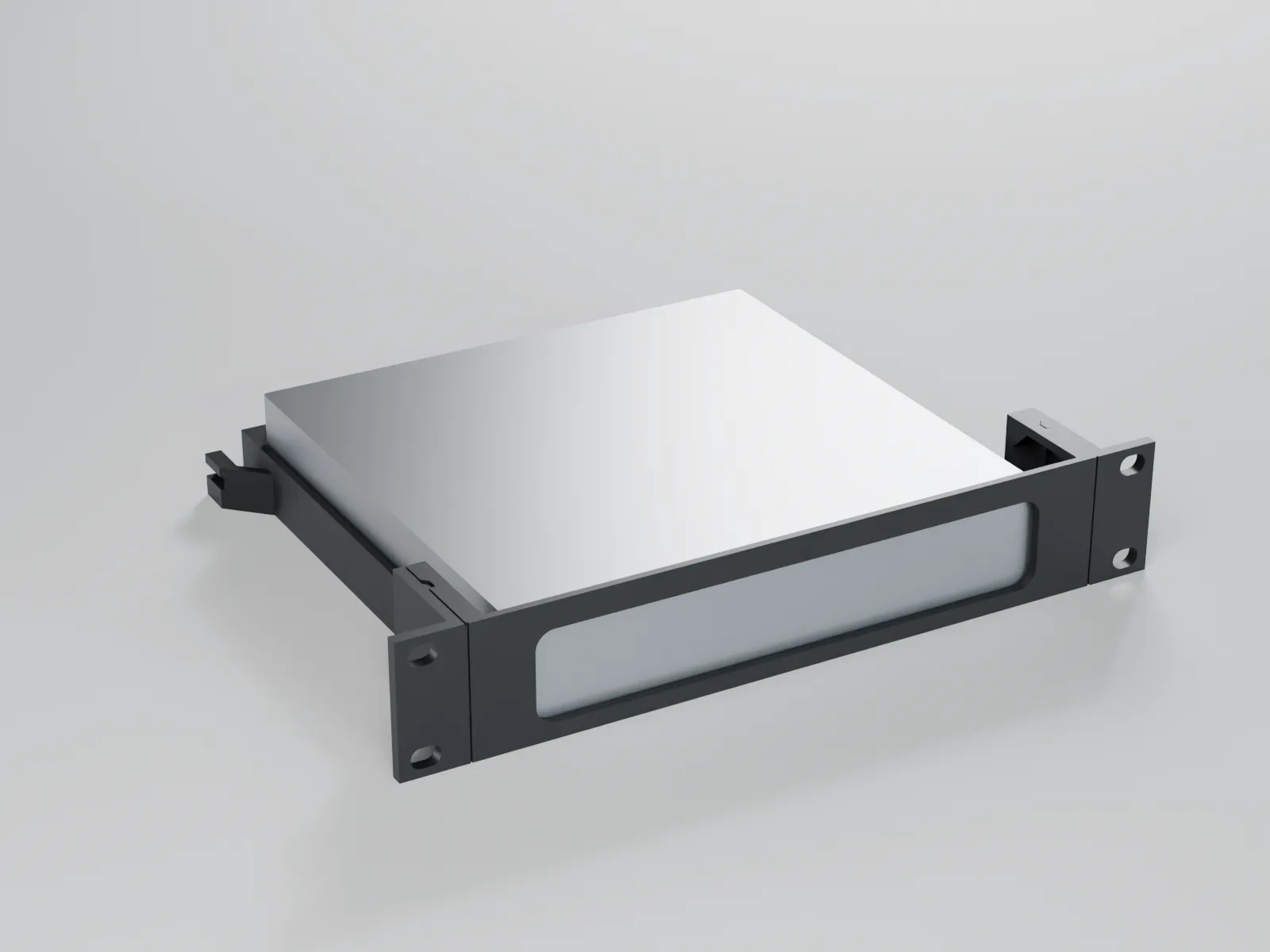
1U rack mount for HP EliteDesk / ProDesk / Elite Mini (G4–G9) – 10″ and 19″
Universal – fits any car
€3.90
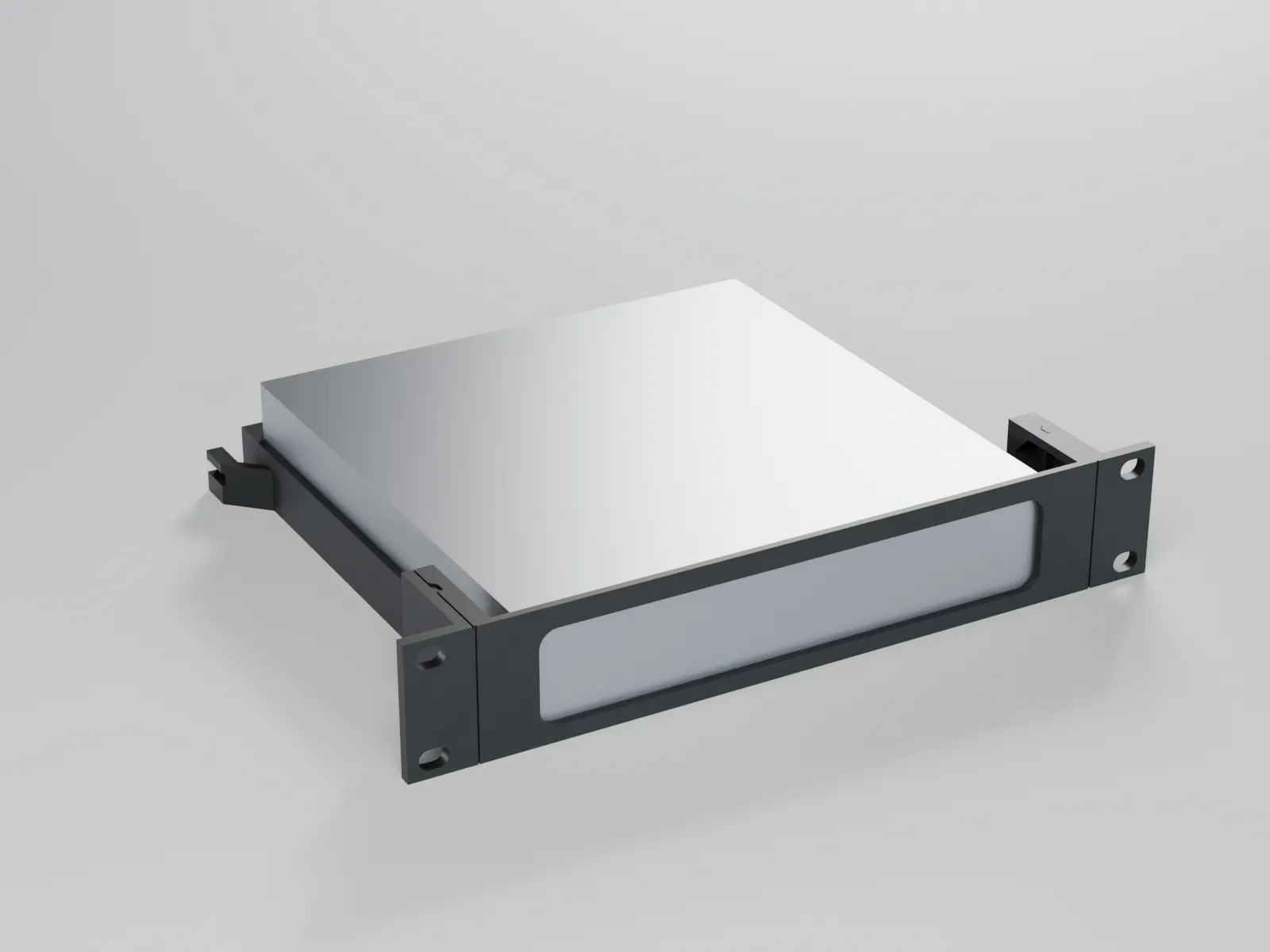
1U rack mount for Lenovo ThinkCentre Tiny (M720q, M920q, M70q, M80q, M90q, M75q) – 10″ and 19″
Universal – fits any car
€4.90
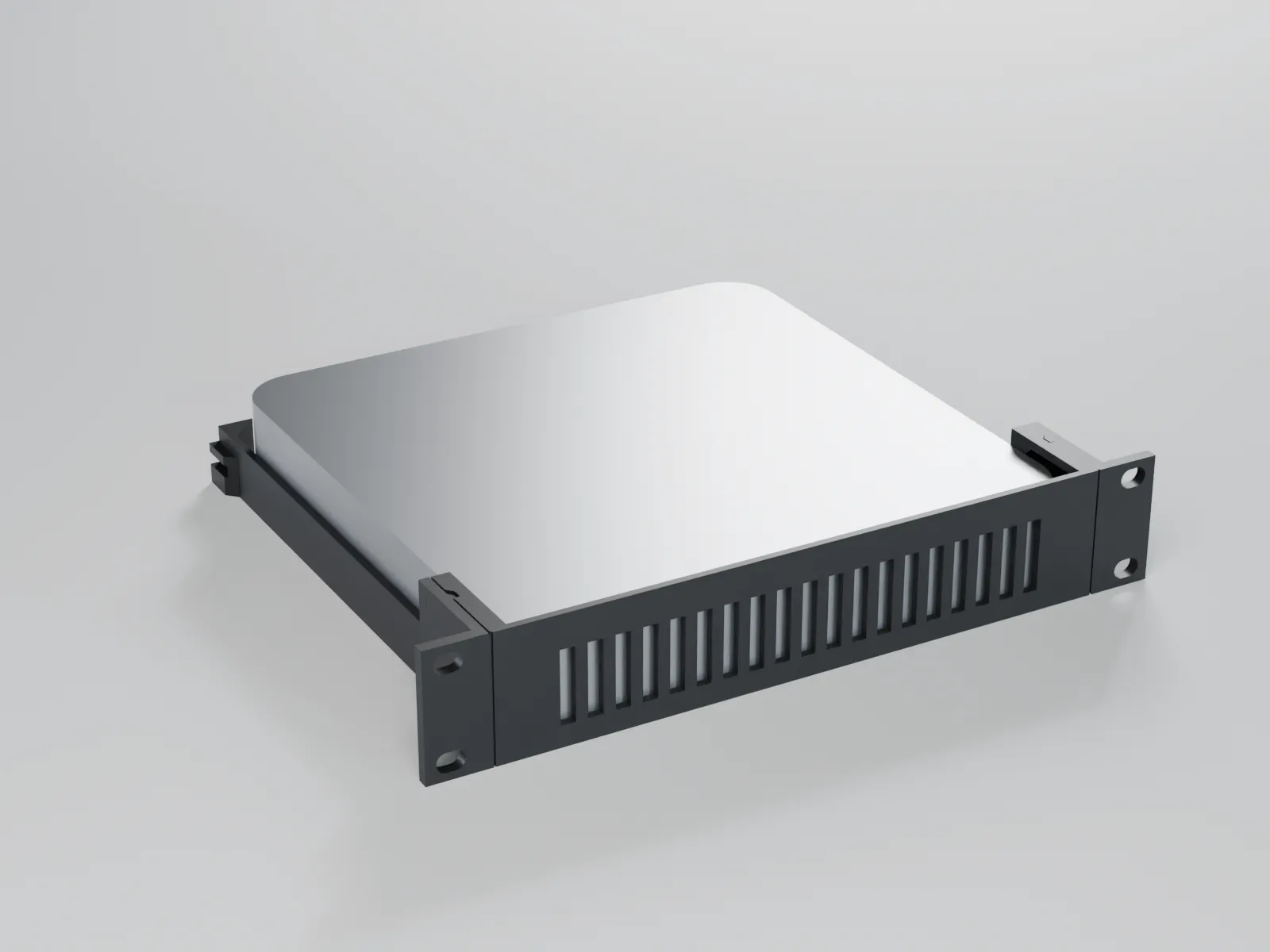
1U rack mount for Mac mini M1 (2020) / M2 / M2 Pro (2023) – 10″ and 19″
Universal – fits any car
€4.90
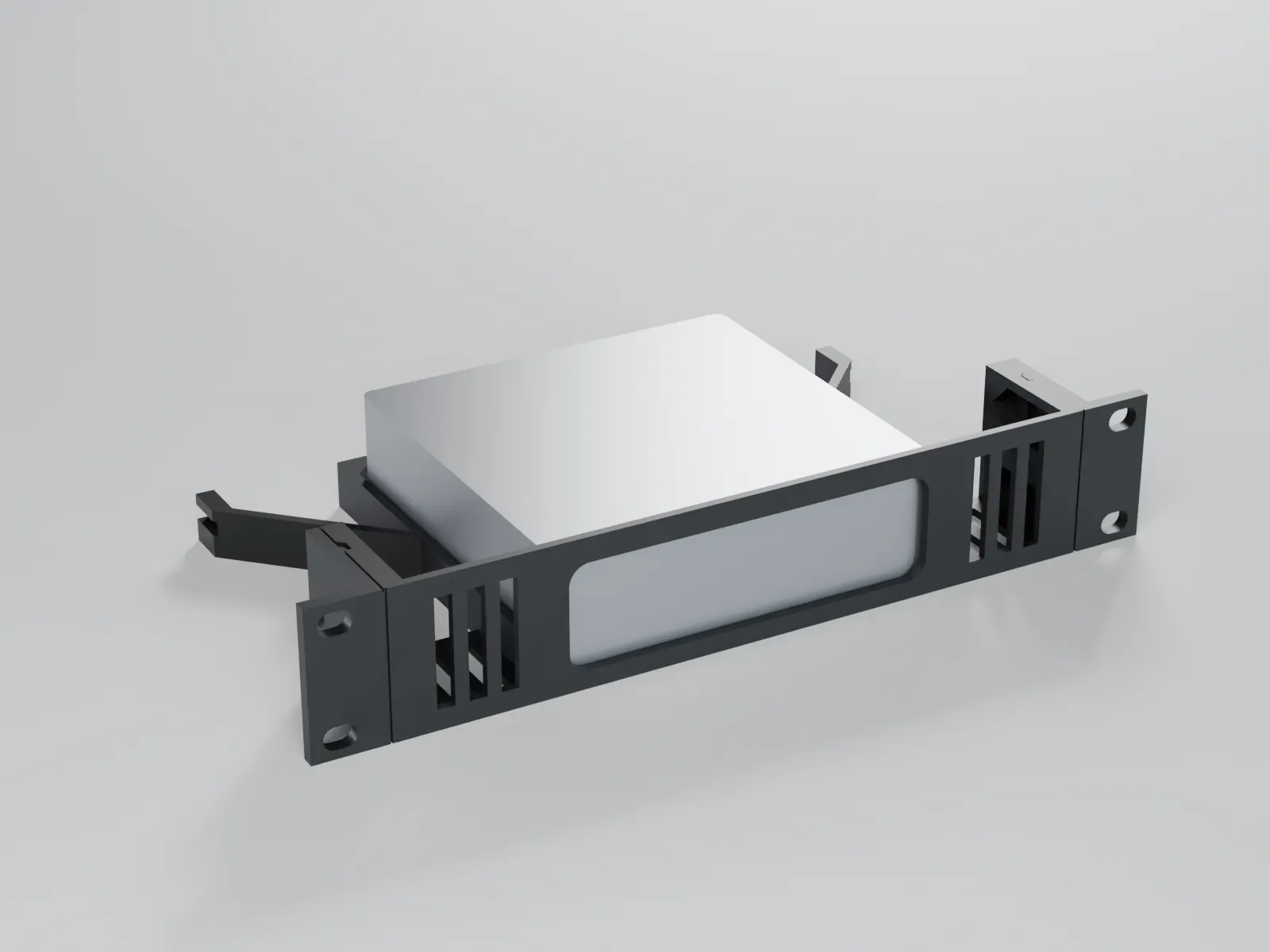
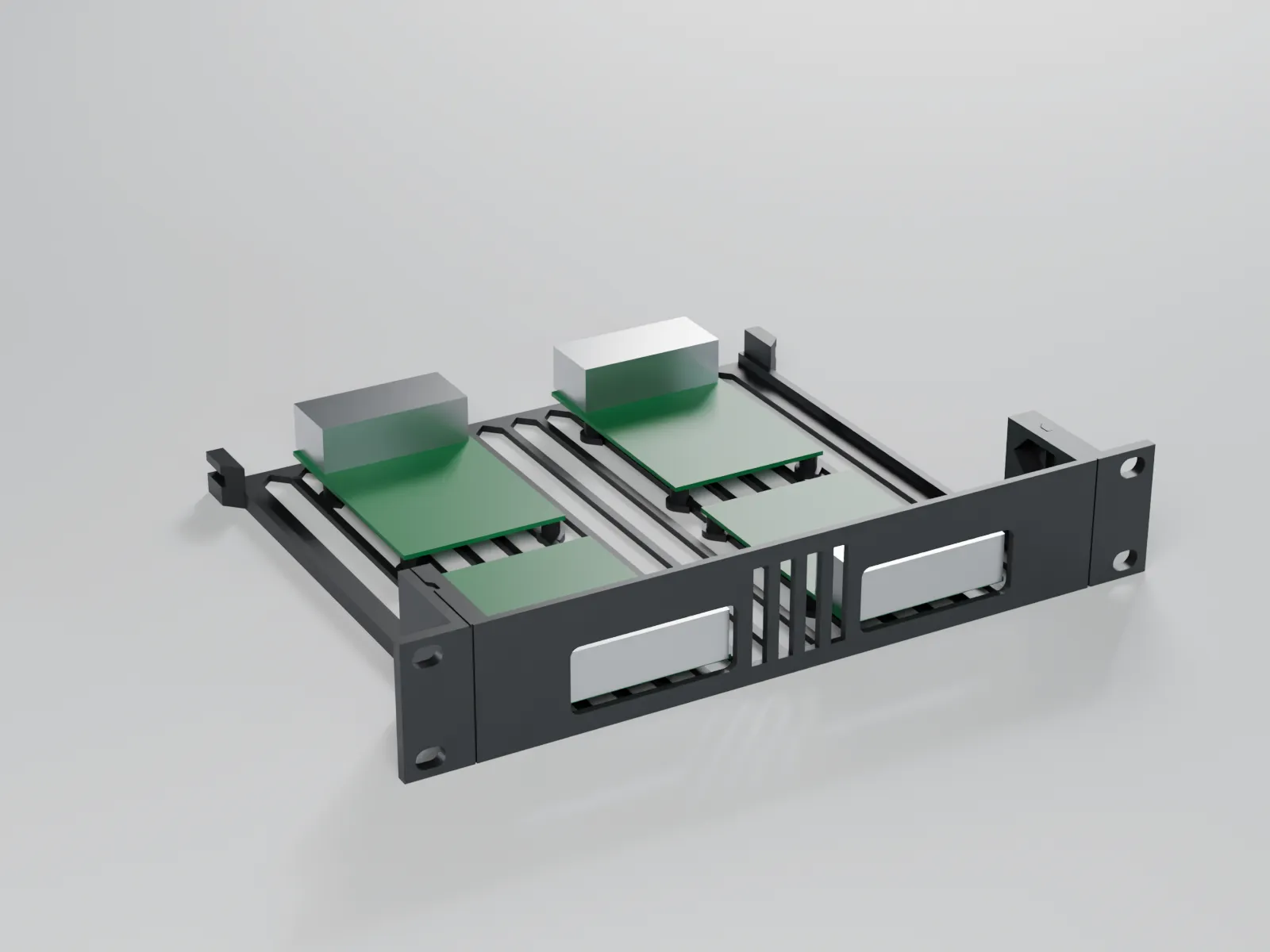
1U rack mount for 4 × Raspberry Pi 5 (also Pi 4 B / 3 B+) – 10″ and 19″
Universal – fits any car
€4.90
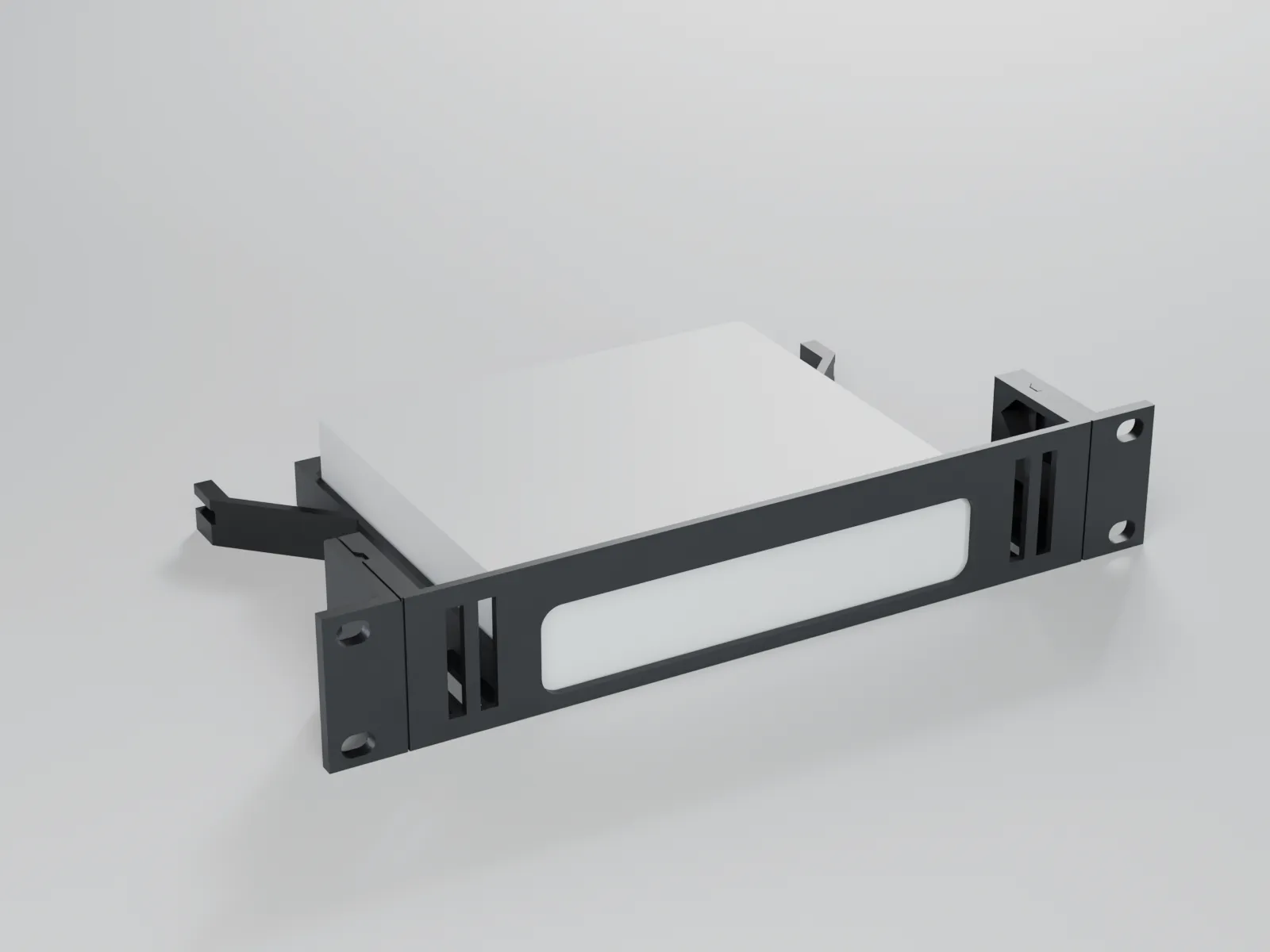
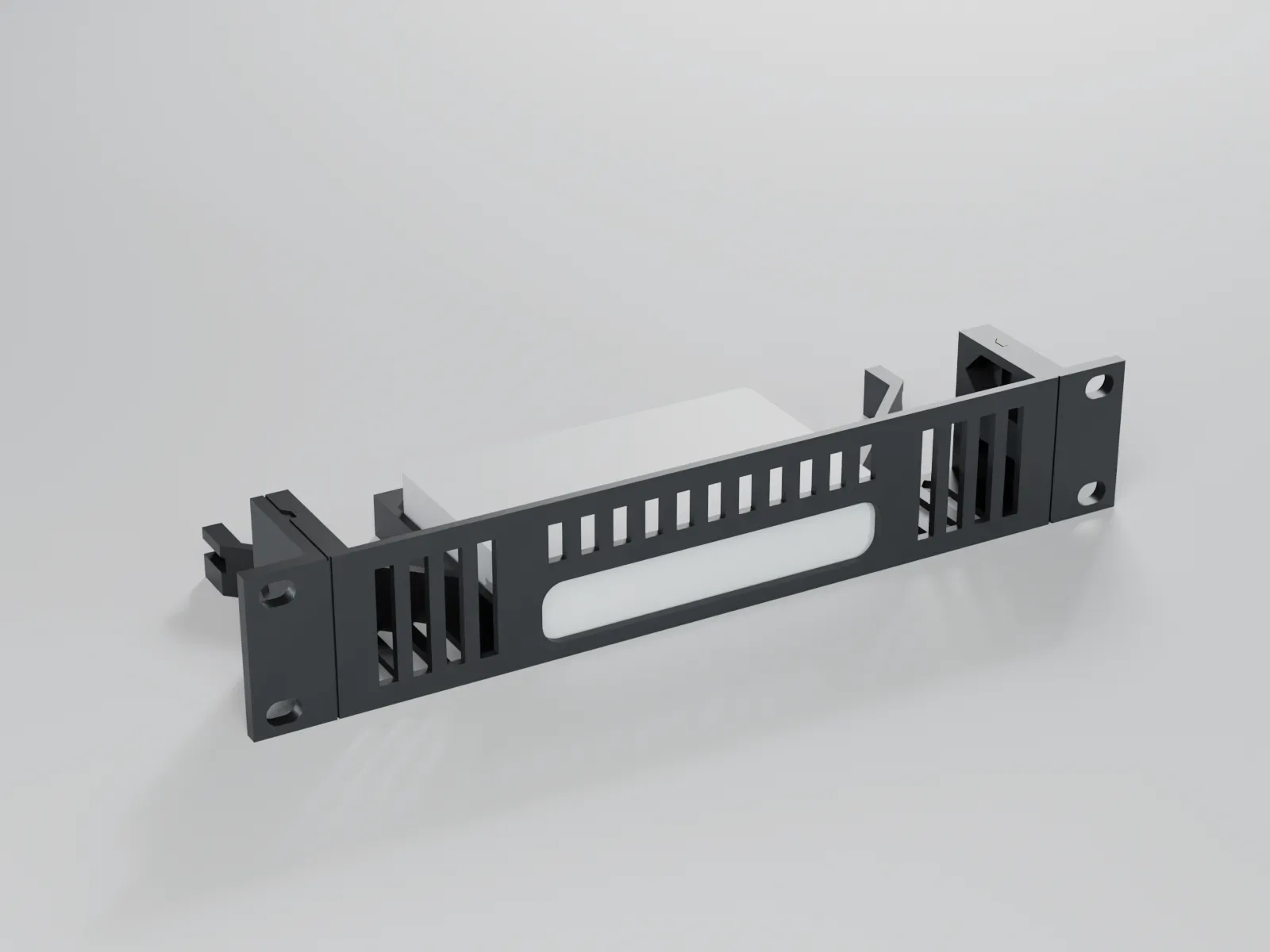
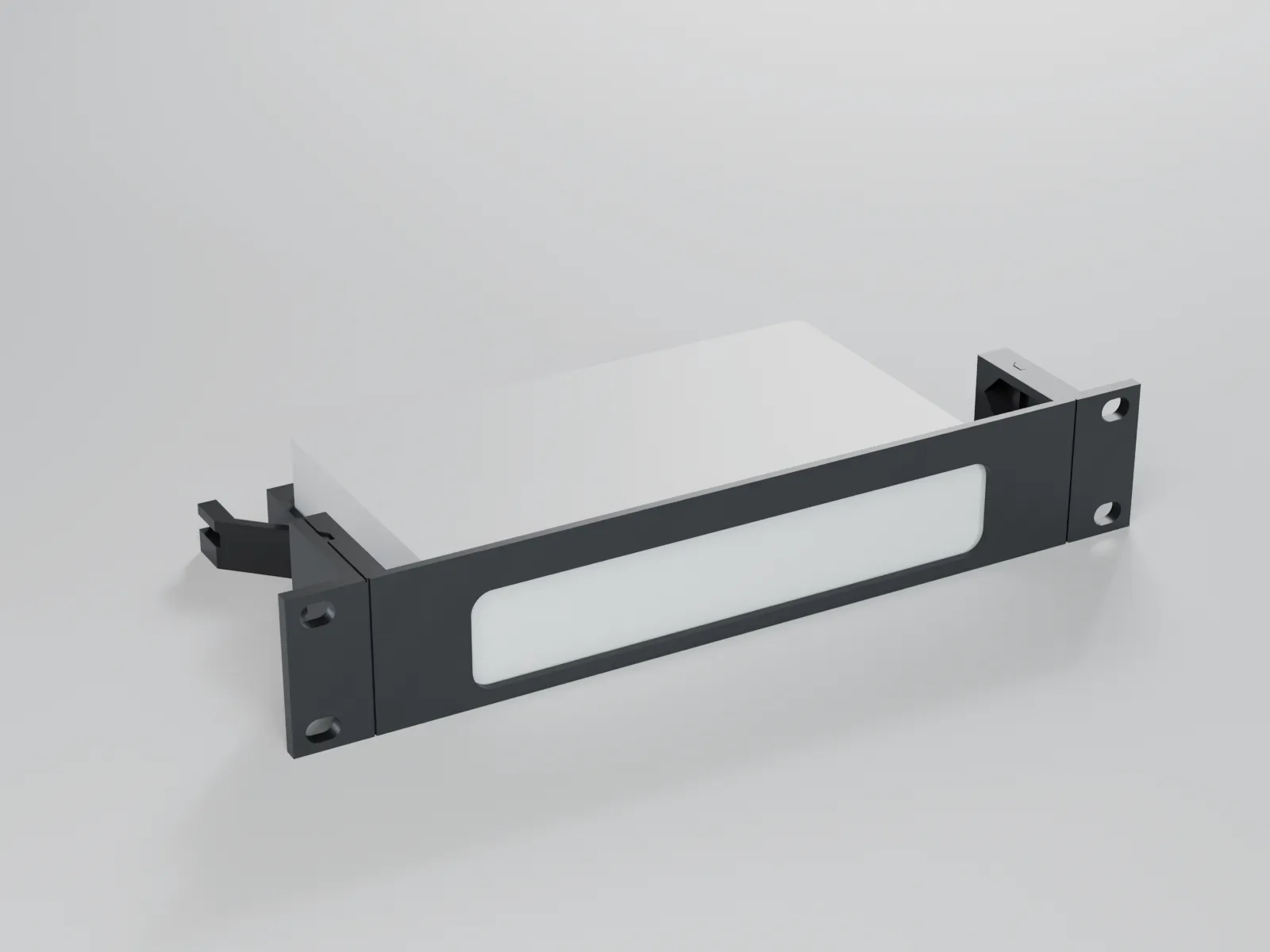
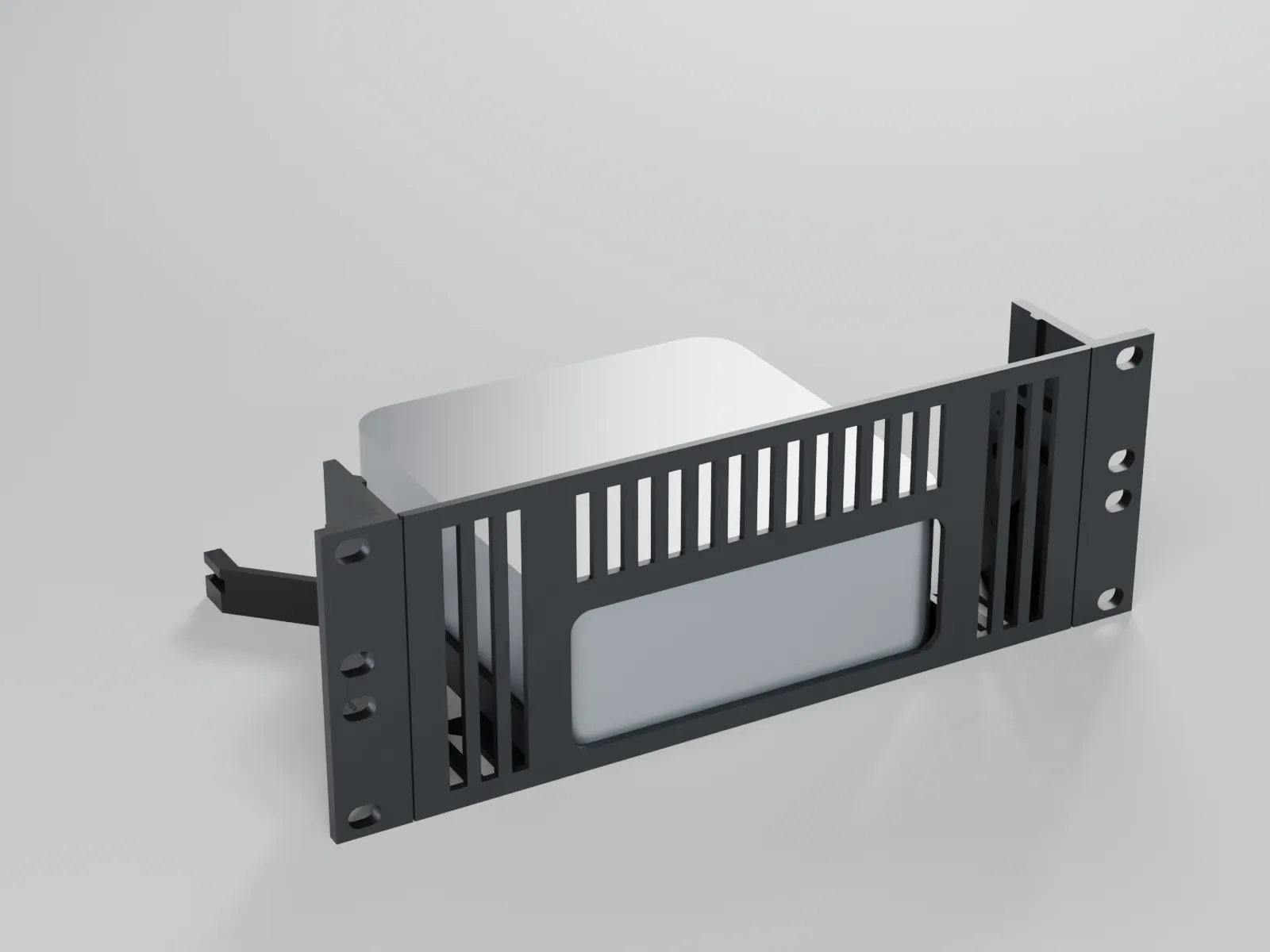
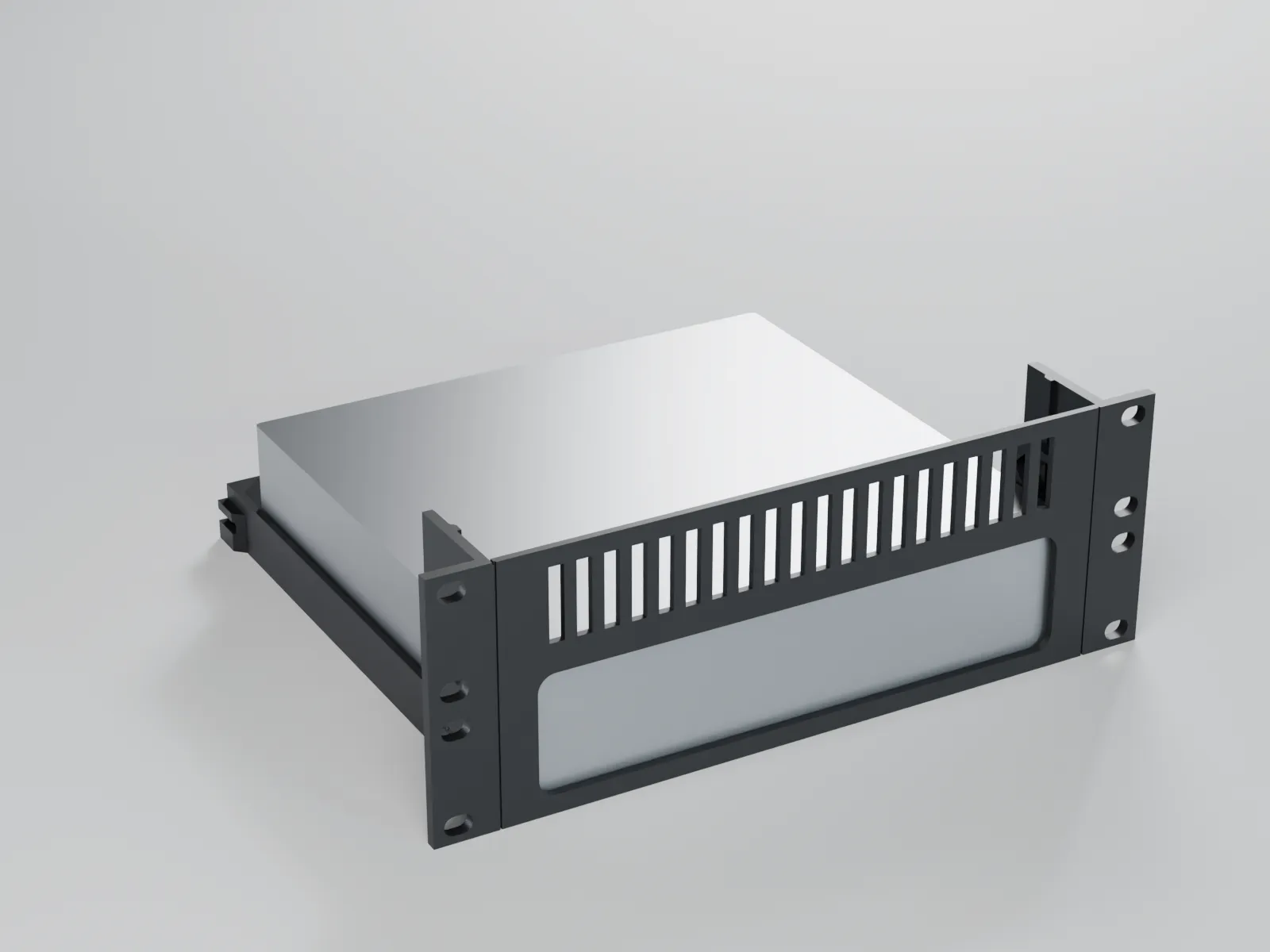
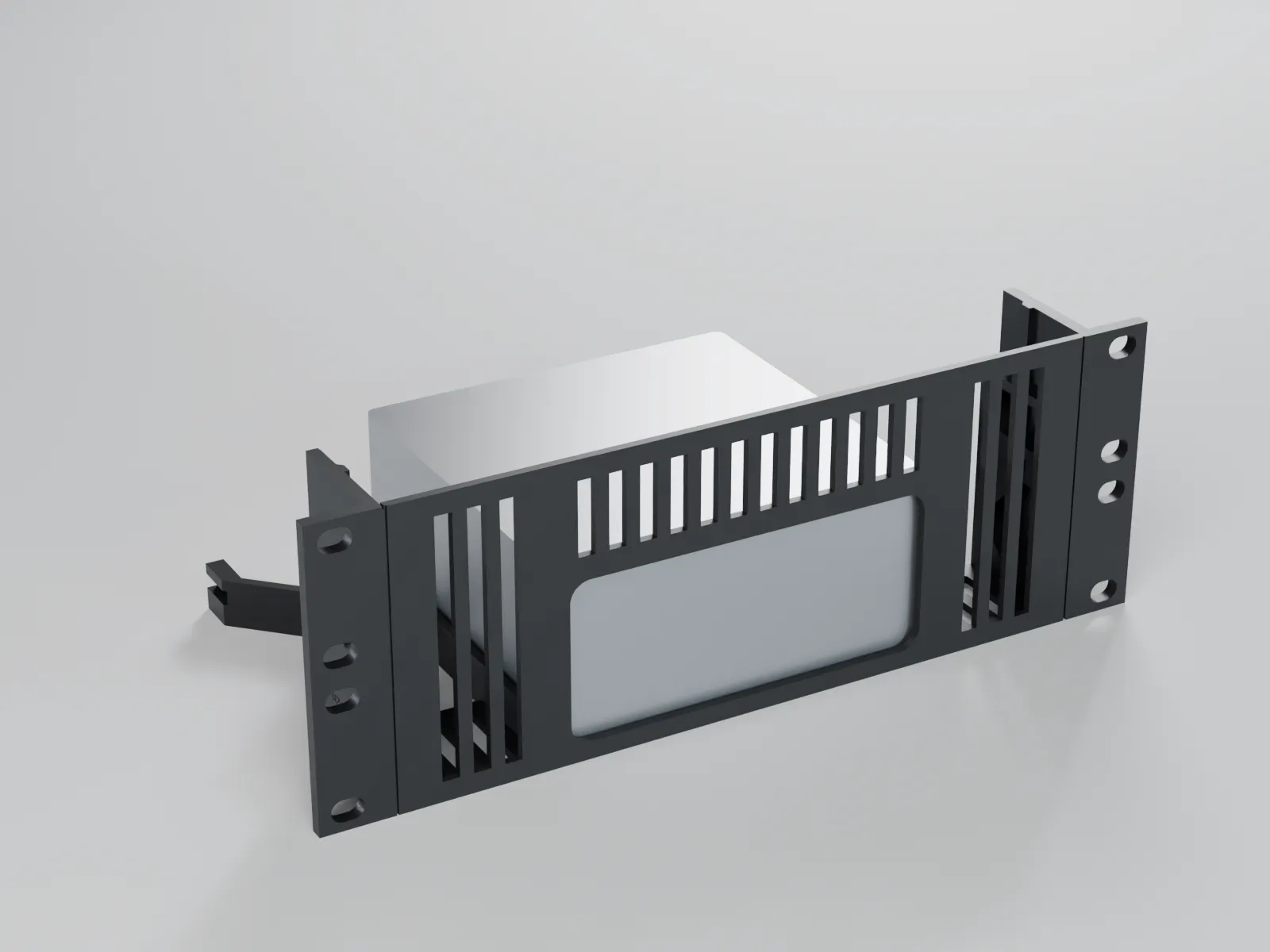
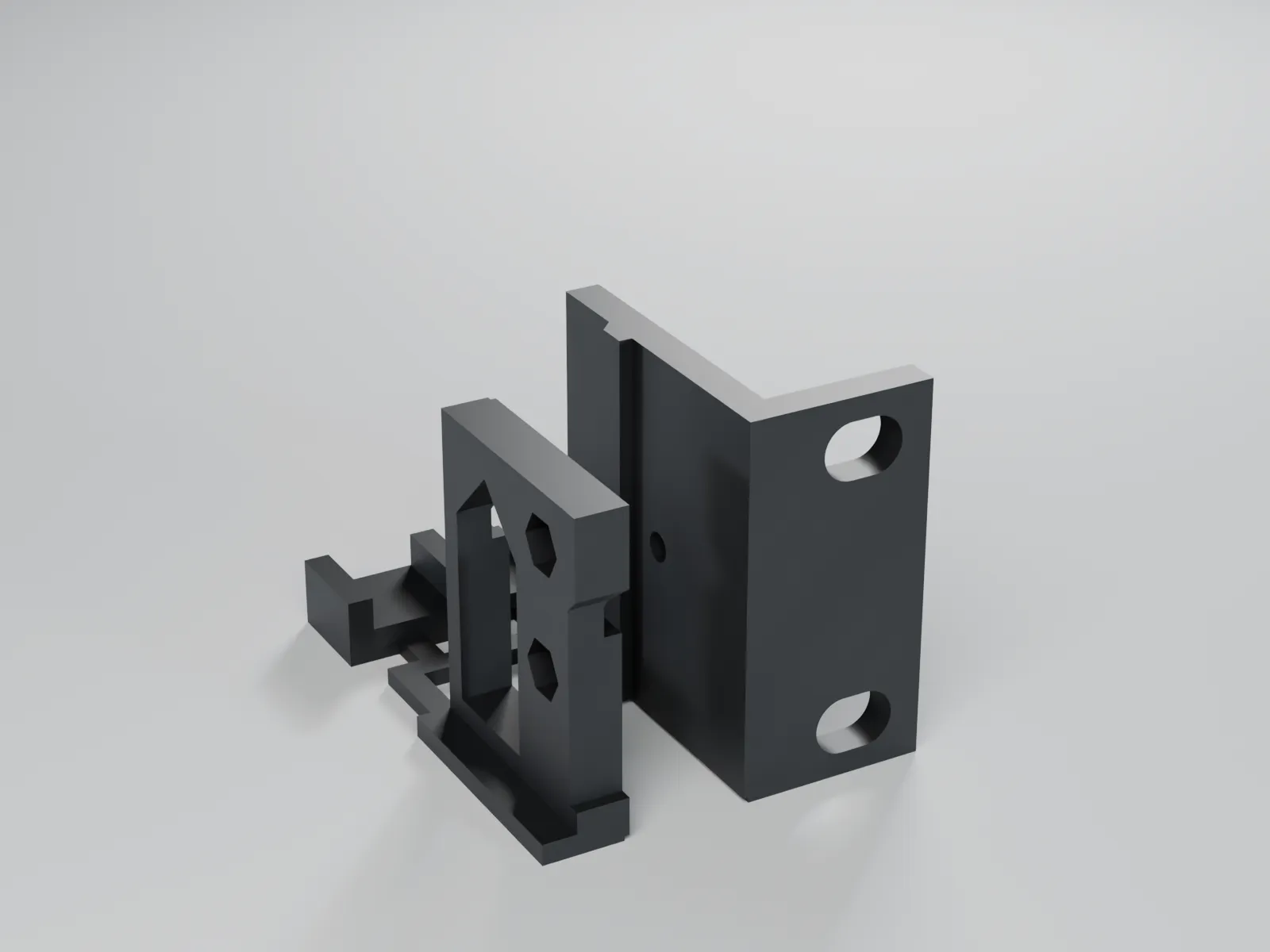
Rack fit test 1U for 10″ and 19″ racks – ear, M3 joint and tolerance comb
Universal – fits any car
Free
Frequently asked questions
What is the hole spacing of 10-inch racks?
There is no standard, and among the racks we checked (including DeskPi, Digitus, Lanberg, Triton, Intellinet) no manufacturer publishes the value. Documented values are 235 to 238 mm from hole centre to hole centre. The mini-rack community mostly uses 236.5 mm as the nominal value; other figures are 237 mm from a manufacturer statement relayed by third parties (GeeekPi) and 238 mm measured on rails. Our 10-inch ears have slotted holes for 234.0 to 239.5 mm. If you want to be sure, measure the hole centres on your rack or print the fit test part.
Which screws do I need?
For the rack, use your rack's own screws: #10-32, M5 or M6; racks with square holes usually come with cage nuts. The slotted hole in the ears (6.5 mm high, 9.25 mm long) works for all three. A washer is recommended because a screw head (for example 11.3 mm) is only slightly larger than the slot. For the joint between ear and carrier you need two M3 screws and nuts per side.
Which material is right?
PETG or ASA. Mini PCs often run around the clock and get warm; under constant warmth PLA deforms over time. Keep the device's vents free.
How do I find out beforehand whether the rack mount fits my rack?
Print the free fit test part: a 1 U ear with a slotted hole, a carrier piece with the M3 joint and a tolerance comb. You see whether screw and slot suit your rack, whether the plate fits into one rack unit and whether your printer can hold the 0.5 mm clearance. Also check the usable depth of your rack and the clear width between the rails (about 222 mm for 10 inches).
How much weight can a rack mount hold?
We design the rack mounts for 2 kg at most. From 1 kg we recommend additional support at the back, such as a rack shelf or a support bracket, because otherwise the ears carry the device as a cantilever. For comparison: a Mac mini M4 weighs about 0.73 kg, a Mac mini M1/M2 about 1.28 kg, and mini PCs such as the ThinkCentre Tiny, EliteDesk Mini or OptiPlex Micro about 1.25 to 1.42 kg. This is a limit we set, not a certified load rating. Devices over 2 kg are not intended.
Do the parts fit my printer with a 220 mm bed?
Yes, the parts are designed for a print volume of 220 × 220 × 220 mm. A 10-inch front is 254 mm wide and would not come out of the printer in one piece. That is why the rack mounts consist of a device carrier (no wider than 210 mm) and two rack ears, printed separately. The 19-inch ears, at about 136 mm wide each, are small enough too.
How deep does my rack need to be?
That depends on the device: the rack mount needs at least the device depth plus room for the cables at the back. A Mac mini M1/M2 is 197 mm deep, a Lenovo ThinkCentre Tiny about 183 mm. The usable depth of the 10-inch racks we compared ranges from 180 to 260 mm, for example 180 mm for Triton, 200 mm for the DeskPi T0 and 238 mm for Lanberg. The larger devices do not fit in very shallow racks. The carrier's dimensions are given on the respective product page.
Are the parts tested, and how reliable are the dimensions?
The dimensions come from datasheets, manufacturer data and standard tables, for some devices only from dealers. The parts have not been tested on the devices and racks yet. Each product page states whether a dimension comes from the datasheet or is estimated; estimated dimensions get adjustment margin. The fit test part helps you settle the rack fit beforehand. The rack mounts are not accessories by the manufacturers; we name devices only to describe the fit.